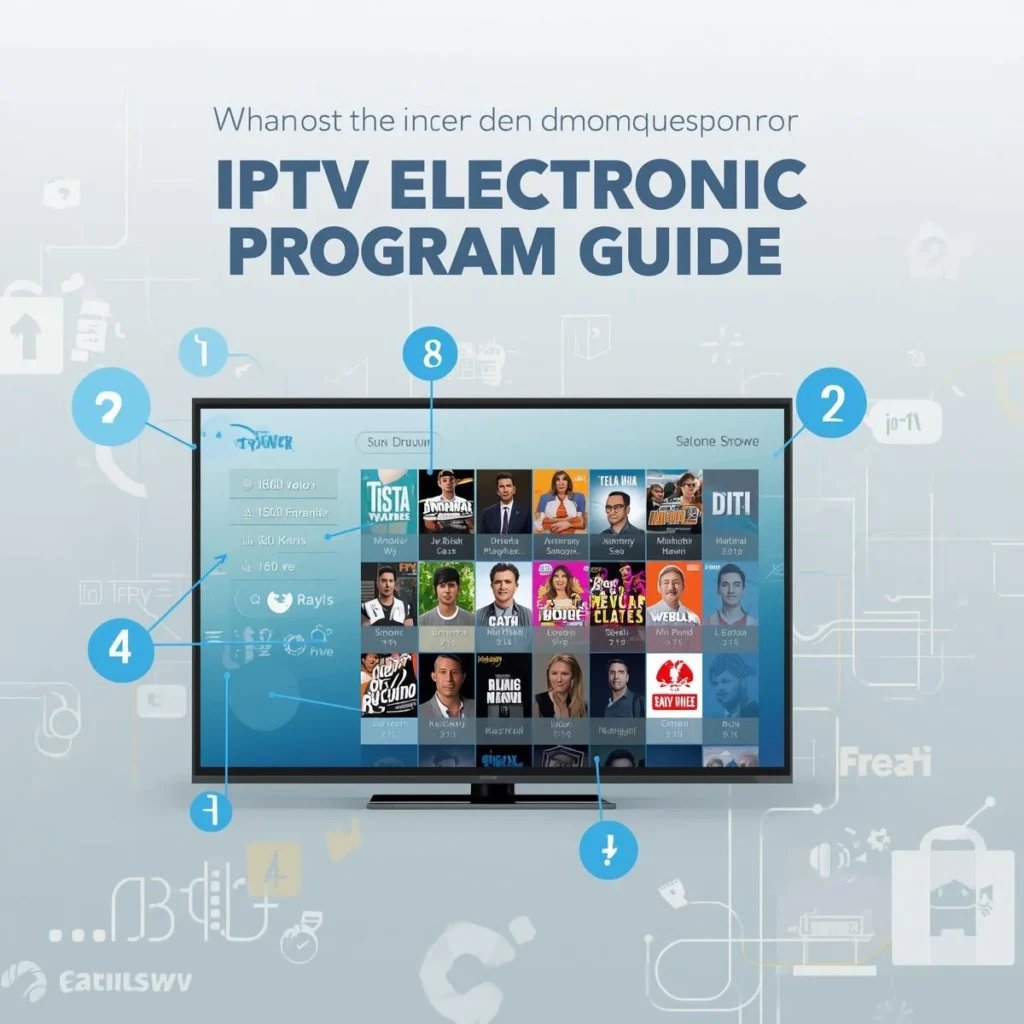
If you use IPTV, you’ve probably seen the term EPG (Electronic Program Guide). It’s the on-screen TV schedule that shows what’s playing on each channel — similar to traditional cable guides.
However, many users face issues such as “IPTV EPG not working” or “TiviMate EPG not updating.”
This guide explains what IPTV EPG is, how to set it up on your Firestick or TiviMate, how to find free EPG source links, and what to do when your EPG stops working. By the end, you’ll know exactly how to manage, install, and update your IPTV EPG for a smooth viewing experience.
What Is IPTV EPG and Why It Matters
EPG (Electronic Program Guide) is a digital schedule that provides information about current and upcoming TV programs. It displays details such as program titles, start times, and durations for each channel in your IPTV playlist.
When configured properly, your IPTV EPG makes your streaming experience more organized and enjoyable. You can browse channels easily, check what’s coming next, and plan your viewing without guesswork.
Benefits of Using IPTV EPG
Provides accurate show schedules for live TV
Helps you identify what’s playing on each channel
Makes TiviMate or other IPTV apps more user-friendly
Offers a traditional TV-like experience
Useful for setting reminders or auto-recordings (where supported)
Common IPTV EPG Problems
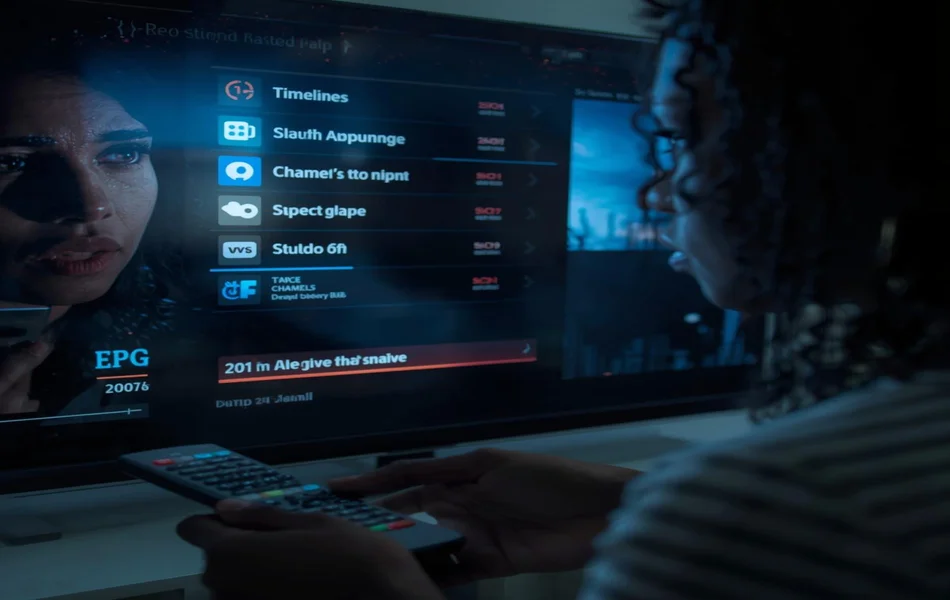
Even the best IPTV apps can experience EPG errors. The most common issues include:
IPTV EPG not working or missing data
TiviMate EPG not updating properly
EPG not available for this channel on Firestick
Channels showing incorrect program info
Delayed or blank guide listings
These problems often occur due to outdated EPG sources, wrong time zones, or server errors from your IPTV provider.
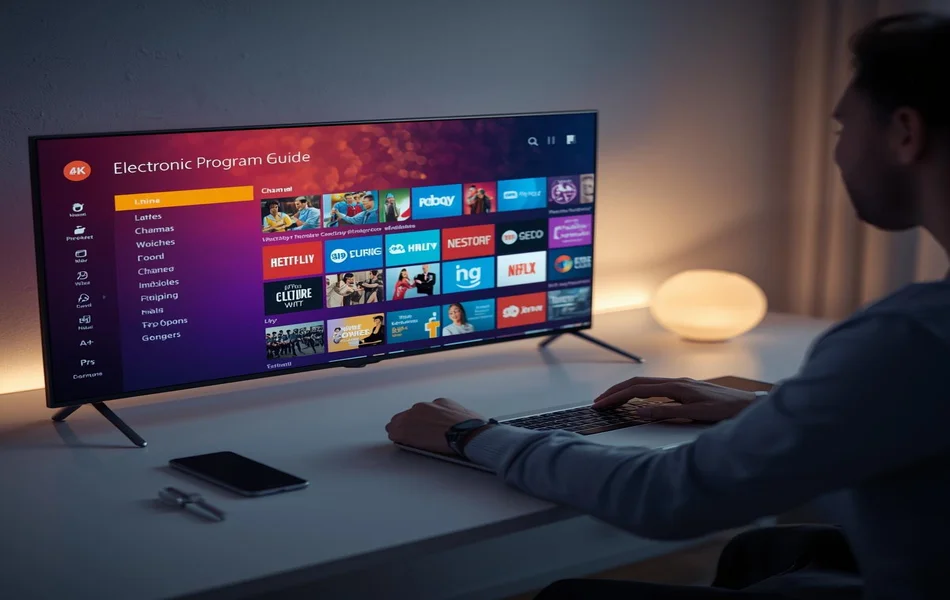
How to Get and Add EPG on Your IPTV App
1. Get an EPG Source (URL or File)
EPG data is usually provided in XMLTV format via a URL link.
Example:
If your IPTV provider doesn’t supply one, you can use free EPG source links for TiviMate or other apps. However, free sources might not always stay updated.
2. Add EPG in TiviMate
TiviMate is one of the most popular IPTV players for Firestick and Android TV.
To add your EPG:
Open TiviMate.
Go to Settings → EPG → Sources.
Select Add Source → Enter URL.
Paste your EPG link (XMLTV).
Save and refresh.
Your guide should now display live TV schedules.
How to Install EPG on Firestick
If you use IPTV through Firestick, you can integrate EPG easily with apps like TiviMate, IPTV Smarters Pro, or XCIPTV.
Steps to Install EPG on Firestick
Open your IPTV app (e.g., IPTV Smarters or TiviMate).
Go to Settings → EPG → Add EPG Source.
Paste your EPG URL or upload the XMLTV file.
Wait for the app to load the guide data.
After setup, you’ll see your EPG TV guide on the Firestick home screen inside your IPTV app.
How to Fix IPTV EPG Not Working
If your IPTV EPG is not working, try these proven troubleshooting steps:
1. Refresh or Update EPG
Sometimes EPG data doesn’t load automatically.
In TiviMate, go to Settings → EPG → Update.
In IPTV Smarters, choose Reload EPG.
2. Check Your EPG Source
If your EPG link is outdated or the source is down, you’ll see blank guides. Try replacing it with a new free EPG source link or ask your IPTV provider for an updated one.
3. Fix Time Zone Mismatch
Incorrect time zones may cause your guide to show the wrong times.
Adjust your device’s time zone to match your IPTV source.
4. Clear Cache or Reinstall the App
Old cached data can block updates.
Uninstall and reinstall your IPTV app or clear the app cache from settings.
5. Verify Internet and M3U Link
Make sure your IPTV playlist (M3U link) is working. A broken M3U link may also cause EPG not available errors.
How to Update EPG on Firestick
To update EPG on Firestick, open your IPTV app and refresh the EPG section.
In TiviMate, select Refresh EPG Data.
In Smarters Pro, go to Settings → EPG → Reload EPG.
You can also schedule automatic updates daily to keep your guide accurate.
Free EPG Source Links for TiviMate and IPTV Players
Here are a few public EPG source examples (for educational purposes):
https://iptv-org.github.io/epg/guides/uk.xmlhttps://epg.best/uk.xml.gzhttps://raw.githubusercontent.com/iptv-org/epg/master/guides/gb.xml
These may change over time, so always test them in your app.
For the most reliable results, use an EPG provided by your IPTV service.
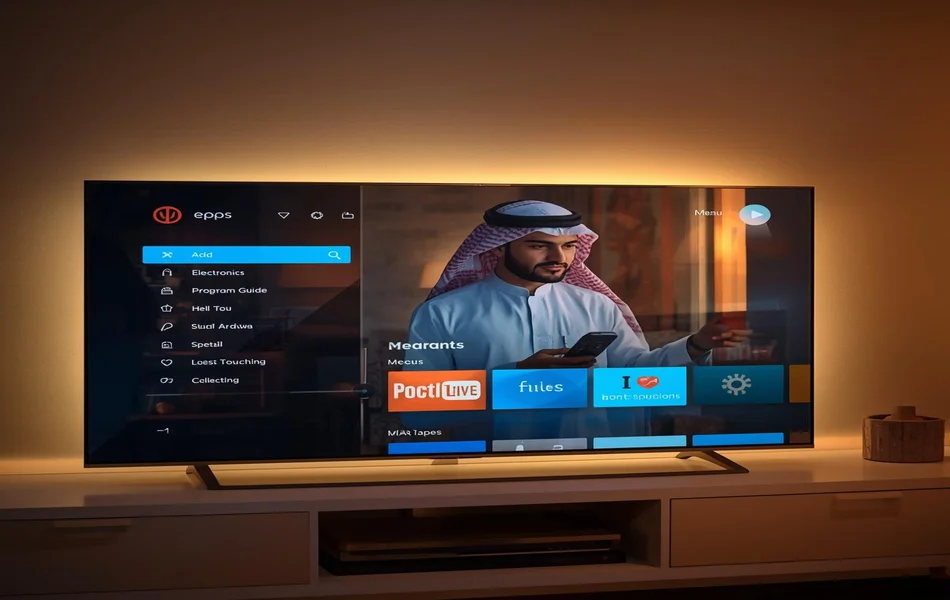
How to Install EPG on Home Screen
Some IPTV players, like TiviMate Premium, allow EPG data to appear on the home screen interface.
To do this:
Enable EPG Widget in your TiviMate home screen settings.
Customize channels and layouts.
Sync your EPG data.
This makes your Firestick or Android TV home screen look like a modern Smart TV interface.
What Does “EPG Not Available for This Channel” Mean?
This message appears when a specific channel has no guide data in your EPG source.
Reasons include:
The EPG source doesn’t list that channel.
Channel names don’t match your EPG XML names.
The IPTV provider removed or renamed the stream.
You can manually map EPG channels in TiviMate:
Settings → EPG → Channel Mapping → Match Channel Names.
Frequently Asked Questions (FAQ)
1. What does EPG mean on Firestick?
EPG stands for Electronic Program Guide. It shows a schedule of live TV programs for IPTV channels on your Firestick.
2. How do I get EPG on my TV?
You can get an EPG by adding an EPG source link (XMLTV URL) to your IPTV player. Most apps like TiviMate and IPTV Smarters support manual EPG setup.
3. Why is my IPTV EPG not working?
It may not work due to outdated EPG sources, poor internet, wrong time zone, or broken links. Refresh your EPG or use a new source URL.
4. How do I update EPG on Firestick?
Open your IPTV app, go to Settings → EPG → Reload or Update, and wait for new data to load.
5. Can I use free EPG sources for TiviMate?
Yes, but reliability may vary.Iptv free trail sources often change or stop updating, so using your provider’s official EPG link is best.
6. Does EPG affect IPTV streaming quality?
No. The EPG only displays guide data — it doesn’t affect video or streaming quality.
Final Summary
A working IPTV EPG transforms your viewing experience, letting you browse channels and program schedules effortlessly.
Whether you use TiviMate, IPTV Smarters, or Firestick, setting up and maintaining your EPG ensures accurate and up-to-date TV listings.
If your EPG is not working, refresh your sources, check time zones, or try reliable free EPG links.
For the best experience, always use the official EPG source provided by your IPTV service.